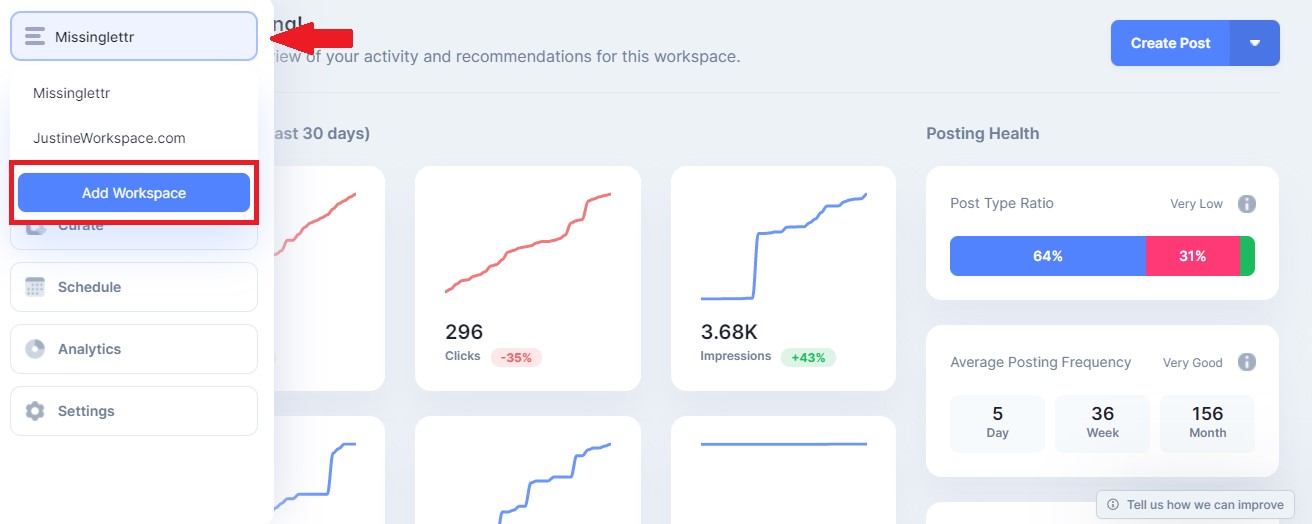
Here is how you can add another site to Missinglettr:
From the workspace dropdown, select the "Add Workspace" option
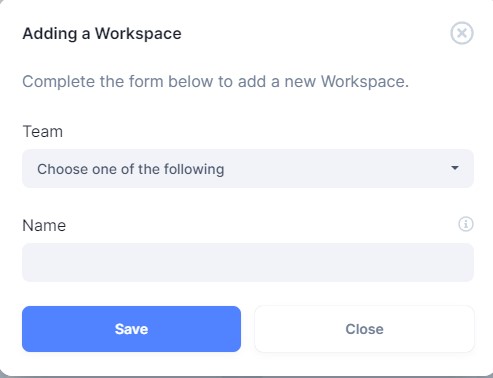
After clicking on 'Add Workspace' a popup will appear. Enter a name for your workspace and click 'Save'.From there, you'll be re-directed to your new workspace settings page to fill in the rest of your details, including your URL and RSS feed.
That is it! You have successfully added your site to Missinglettr. You should automatically be redirected to the dashboard of your new site